Restaurants: Online Menu, Table Booking and QR Code Ordering at the Table
Digitize your restaurant with three simple building blocks: an always-current online menu, table reservations, and QR code ordering right at the table.
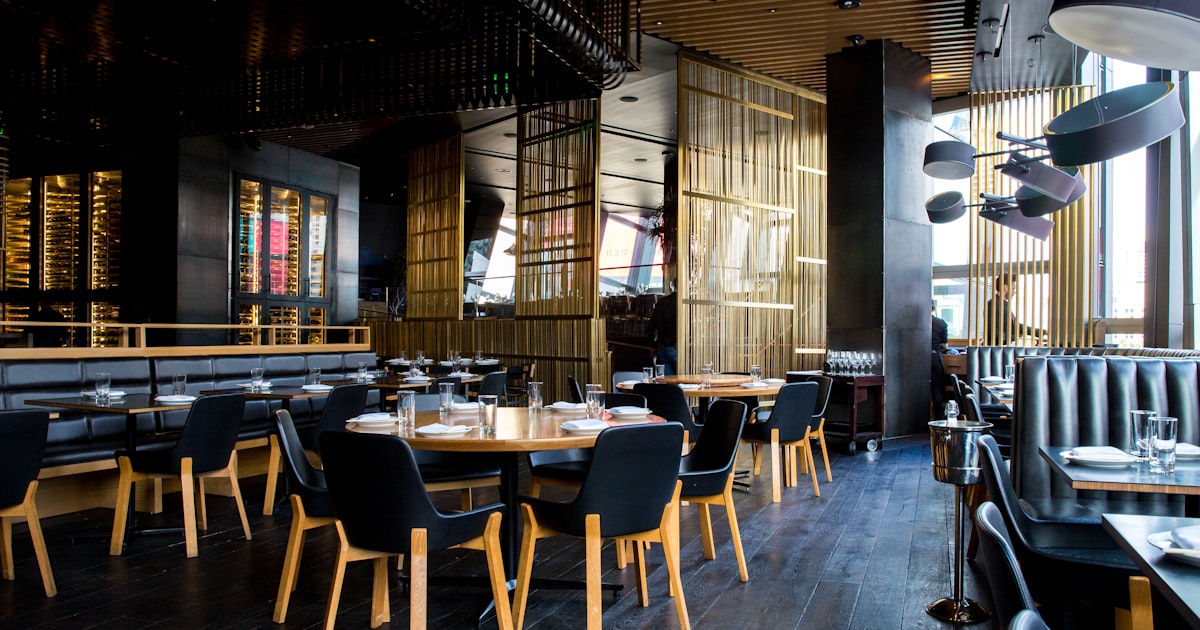
A guest sits down, scans the QR code on the table, browses your menu, orders and pays without ever having to flag down a server. Meanwhile, someone else books a table from their phone and gets an instant confirmation. This isn't the future of dining anymore, it's what your customers already expect. The good news: these three building blocks, online menu, reservations, and at-table ordering, come together faster than a busy Saturday service.
An online menu that's always current
Laminated paper menus are expensive to reprint and age badly. An online menu changes in seconds: hide a sold-out dish, adjust a price, add the chef's special before the rush. Structure your menu into clear categories (starters, mains, desserts, drinks), add one appetizing photo per item, and flag allergens and vegetarian options.
Think multilingual from day one. If you serve tourists, a menu in their own language lifts the average check and cuts ordering mistakes. With ShopClaw, the same menu displays automatically in 19 languages, so you never juggle ten separate files.
Frictionless table reservations
Missed calls and bookings scribbled in a notebook quietly cost you covers. An online reservation module lets guests pick a date, time, and party size around the clock, even when the dining room is closed.
A few settings make all the difference:
- Define your real time slots and capacity per service to avoid overbooking. - Send automatic confirmations and reminders: fewer no-shows, more honored tables. - Ask for a card hold or deposit on large groups to secure big bookings.
Every reservation lands in a single dashboard you can check from the counter or your phone.
QR code ordering at the table
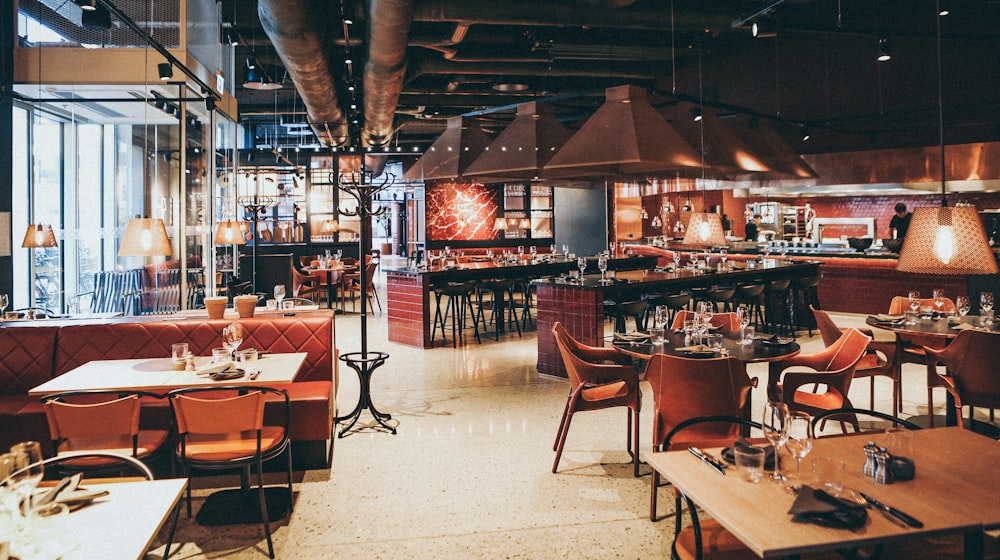
This is the block that changes the rhythm of a service. You generate one QR code per table; the guest scans it, the menu opens on their phone, and they order and pay online. Your servers spend less time running back and forth and more time advising guests and delivering a warm welcome.
On payments, offer everything guests expect: cards, PayPal, local wallets, and QR-based PromptPay is a must in Thailand, plus crypto for an international crowd. Paying at the table also reduces walk-outs and speeds up turnover during peak hours.
A few best practices: link the table number to the order for smooth service, enable add-ons and options (cooking preference, sauce, extras) to grow the ticket, and let guests add a tip in one tap.
Three blocks, one platform
The classic mistake is stacking three tools that don't talk to each other: one for the menu, one for bookings, one for payments. The result is scattered data and checks that never quite add up. By bringing menu, reservations, and QR ordering into one place, you keep a single view of your sales, your covers, and your best-selling dishes.
Start simple: put your menu online first, add reservations, then roll out QR codes table by table so your team can learn without stress. You'll fine-tune the details, photos, languages, payment methods, service after service.
Make it happen
Digitizing your restaurant is no longer a project reserved for big chains. With ShopClaw, you build your online menu, reservation system, and QR code ordering on a single multilingual platform, with local payments and automatic payouts. Try it on one service: you'll quickly see the impact on your covers and on your team's smile.
Frequently asked questions
How does a QR code menu work in a restaurant?
Each table displays a QR code that guests scan with their phone camera to open your live digital menu in a browser — no app to download. You edit dishes, prices and photos from your dashboard and the change appears instantly on every table.
Can customers order and pay directly from the QR menu?
Yes. With QR ordering, guests browse the menu, add items to a cart and send the order straight to the kitchen, then pay by card, PromptPay, PayPal or wallet from their phone. Service is faster and staff focus on hospitality instead of taking orders.
How do I add online table booking to my restaurant website?
You embed a booking form that shows real-time availability by date, time and party size, then confirms by email or SMS. Automated reminders cut no-shows, and each reservation syncs to your calendar so you never double-book a table.
Do digital menus help my restaurant show up on Google?
Yes. A menu page with Menu and Restaurant structured data lets Google display your dishes, prices, opening hours and reviews as rich results. Combined with local SEO, it helps nearby diners find and choose you before competitors.
Is a QR menu cheaper than printed menus?
Almost always — you print a QR code once and never reprint when prices or seasonal dishes change. You also save on menu redesign costs and can flag limited-time offers or sold-out items in real time.